
Proxy Pricing Models: Per IP, Per GB, or Per Request?
When shopping for proxies, you will see prices per IP per month, per gigabyte of traffic, or per set number of requests. Each model measures usage differently. Downloading a large file, frequently checking a short response, and maintaining a fixed address can have very different costs, even when the software connects to the same website.
It is easier to choose a pricing model once you know what connection the job requires: whether the IP must stay the same, which countries are suitable, and whether the chosen proxies can complete the task. The proxy guide covers those choices. Here, we compare how prices are calculated and how to match a plan to the volume and schedule of your work.
Per IP: addresses for a chosen term
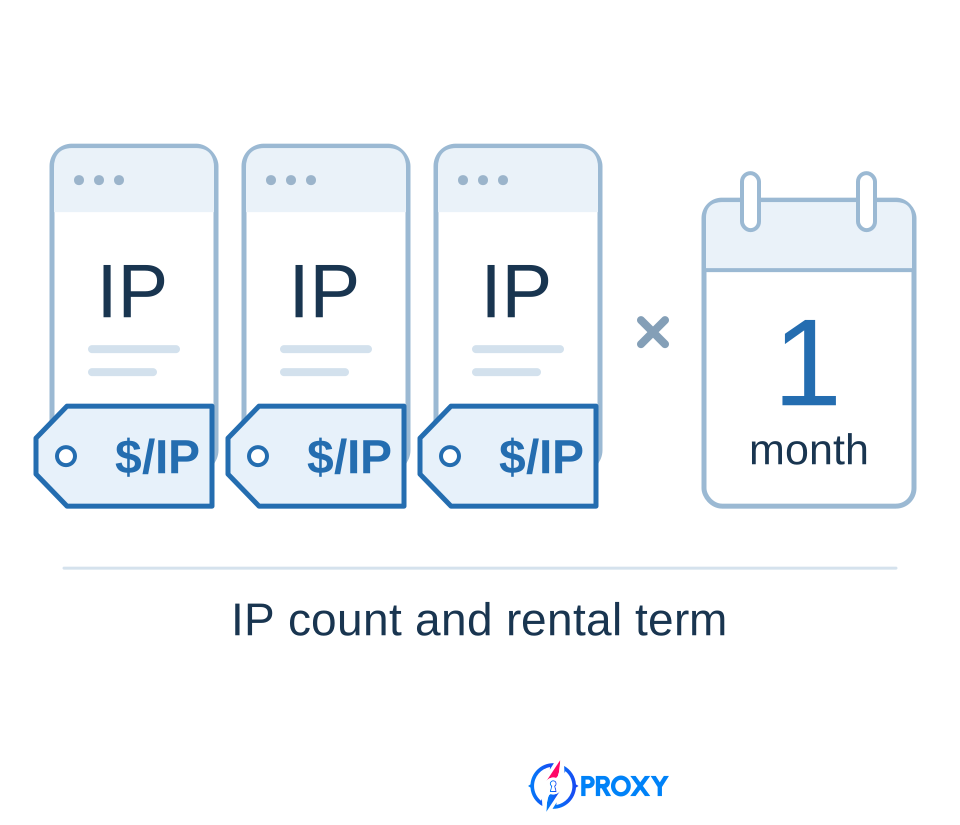
You rent a certain number of IPs and use them during the paid period. The number of addresses and the rental term form the basis of the price. When your software contacts a website again through one of those IPs, it continues using an address you have already rented.
This arrangement is useful when the job needs a stable set of addresses. Several work profiles might need to keep their connection settings, or a program might contact a service daily that allows access from specified IPs. In these cases, you choose the package around the addresses you need, rather than the number of pages you open. One IP can handle several connections, so the number of threads in your software does not, by itself, tell you how many addresses to buy.
With unlimited traffic included, a package can also suit large transfers: the rental price does not rise as images, archives, or video data get larger. Unlimited traffic must be part of the particular offer, however; the words “per IP” do not establish that. Speed and the permitted number of simultaneous connections still determine how much work the package can complete in the available time.
The per-IP pricing article explains how to choose the address count, calculate the package cost, and work with a fixed allocation.
Per GB: transferred data
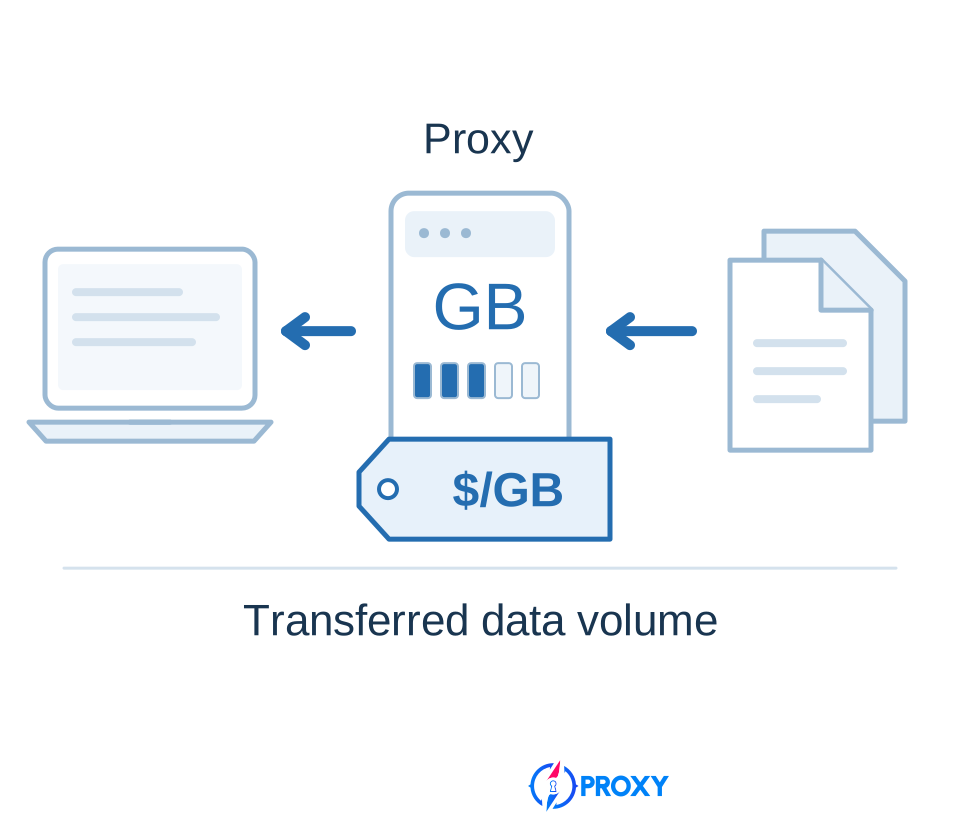
Here, consumption depends on the amount of data passing through the proxies. If the plan provides access to a rotating pool, you can visit different pages and change IPs within that pool while drawing from a shared traffic allowance. The plan charges for data transfer under its billing rules; the number of addresses in the pool does not become an equal number of separate purchases.
Traffic-based pricing is worth considering when you need access to suitable addresses and the responses themselves are small. A program might periodically retrieve a short stock-availability response or run a few regional checks. Consumption depends on what it actually loads. Fetching a data response and opening a complete browser page are different jobs: the browser may need images, fonts, scripts, and further calls to the website.
For large downloads or extended video playback, you need to account for the full volume of those transfers. A small number of actions does not necessarily mean a small number of gigabytes. Conversely, a short response can use little traffic even when the software reaches the website through a large IP pool.
The per-GB pricing article explains how to measure consumption, account for uploaded and downloaded data, and distinguish GB from GiB.
Per request: calls through the service
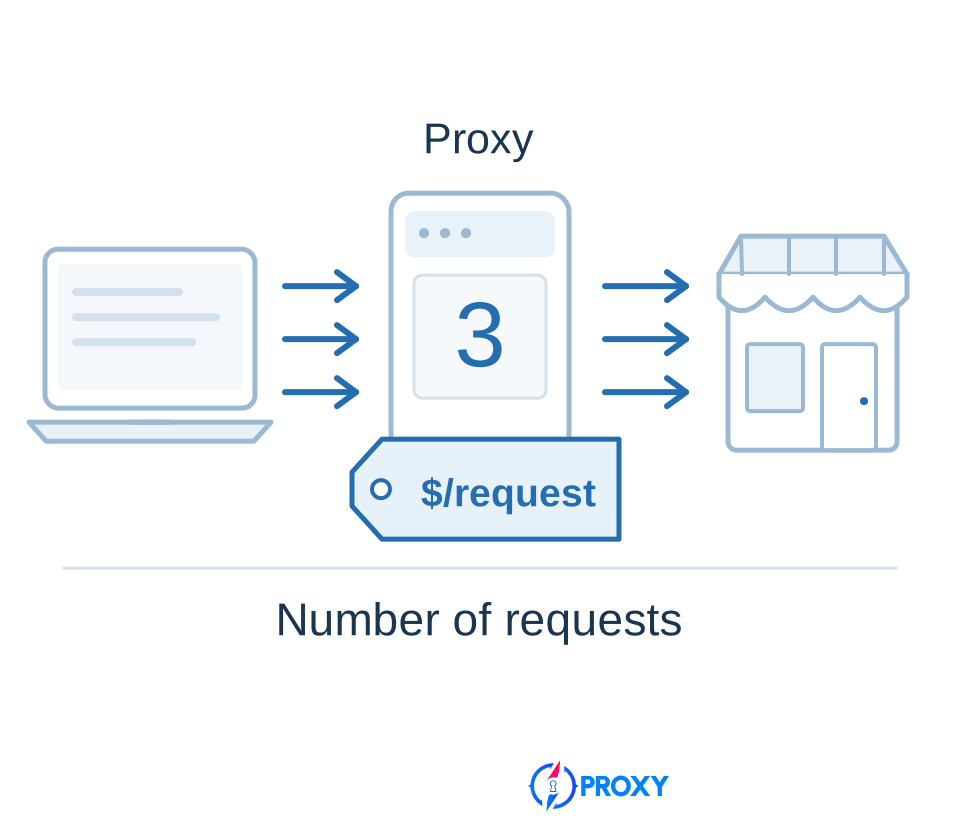
With this model, you purchase a certain number of requests or pay for them as they are used. To plan a budget, you need to know how many calls the service counts while your task runs. This can suit work with a defined schedule: checking a list of URLs, updating catalog information, or repeating a check at a set interval.
A page address in your list does not necessarily equal one billable request. A browser may make several calls to load it. The website's own API, if available for your task, may return several required records in one response. Choose a package based on the consumption of your working program, rather than just the number of pages or products.
If the plan charges equally for short and long responses, increasing a response's size does not, by itself, increase the number of requests deducted. That can be useful when one call retrieves more of the data you need. Counting rules and response limits belong to the particular service: the model's name does not promise to transfer a file of any size for one request.
Alongside ordinary proxies, request-based services can fetch pages themselves and return prepared data. Their price may include work that your own software performs when using an ordinary proxy. The per-request pricing article covers those differences, request counting, and package selection.
What happens to costs when the job grows?
The difference between pricing models becomes particularly clear when the workload changes. Suppose your program already works through suitable proxies. You now need to understand what happens to the bill when it has more work to do.
The table changes one condition at a time. Per-IP pricing assumes unlimited traffic is included; per-request pricing assumes an equal price for each counted call. Access settings and rates remain unchanged, and the plan has enough capacity for the new workload.
| What changes | Per IP with unlimited traffic | Per GB | Per request |
|---|---|---|---|
| The same files get larger; the number of calls stays the same | The same package can retain its price | Traffic consumption increases | The request count stays the same if the transfer remains within the plan's terms |
| The same data needs checking more often | The existing package keeps its price while it remains sufficient | Additional transfers increase consumption | Additional calls increase consumption |
| You need a larger set of fixed addresses; data volume stays the same | You need a quote for the new IP count | Buying more GB does not, by itself, provide a fixed address allocation | Buying more requests does not, by itself, provide a fixed address allocation |
This distinction helps you decide what to improve in the software. Compressing a response can save gigabytes without reducing requests. Retrieving several records in one call can save requests without necessarily reducing data volume. With an IP package that includes traffic, both changes might speed up the job while leaving the rental price unchanged.
For regular large downloads, it therefore makes sense to compare traffic billing with a suitable fixed-price package. For short but frequent calls, compare gigabyte and request consumption. If the task needs specific persistent IPs, first find a product that provides that access. Buying more traffic or requests does not replace that requirement.
Subscriptions and pay-as-you-go
Per-IP, per-GB, and per-request pricing explain what determines the price. A subscription or pay-as-you-go arrangement explains how you purchase the service and pay for continued use. Traffic, for example, can be sold as a monthly package or as an allowance you replenish when needed. Both can measure consumption in gigabytes.
Subscription: a package for each period
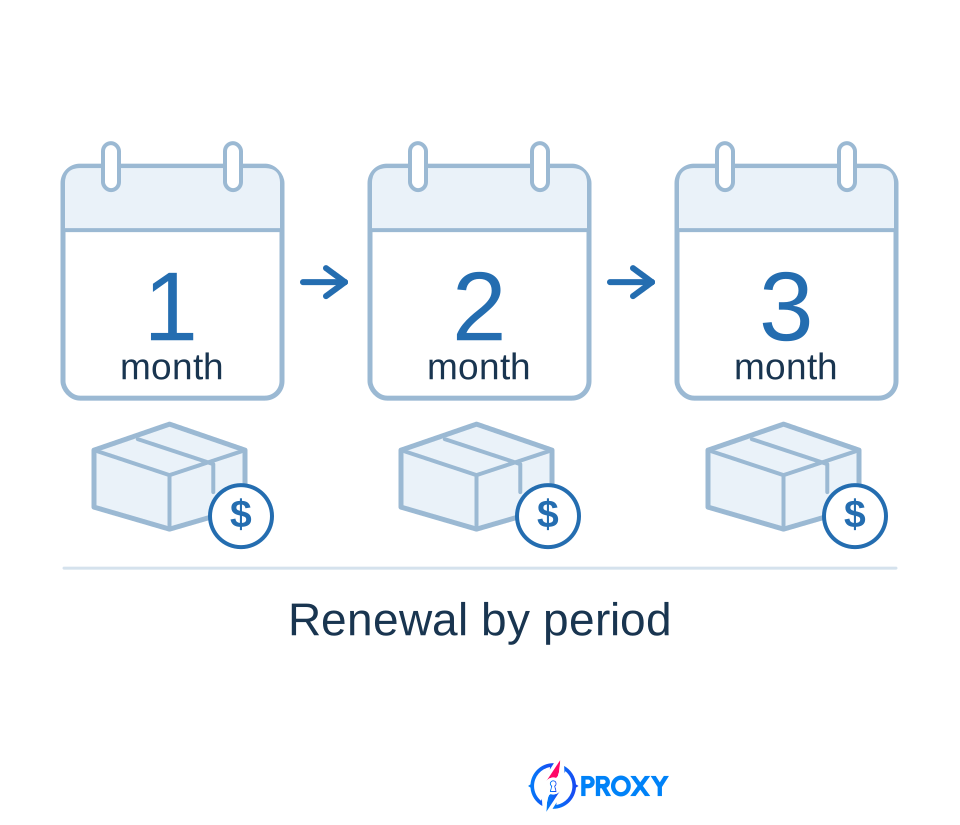
With a subscription, you regularly pay for access or an included allowance. It suits ongoing work when the package is used from one period to the next. For rented IPs, the paid term matters; for traffic or request packages, you also need to track the remaining allowance. If it runs out before the period ends, continued work depends on the available top-up or package-change options.
The billing period and the validity of unused resources are separate terms. Unused gigabytes or requests may carry forward fully, partly, or not at all. Where rollover is available, it can also have a time limit. This affects the choice for uneven workloads: a quiet month's allowance helps with the next peak only if you can actually use it later.
Automatic renewal purchases the next period without another manual order. The options for disabling it and keeping access depend on the service terms. Stopping your program does not disable renewal. If a price is shown “per month” for a longer prepaid term, compare your purchase budget with the full amount due for that term.
Pay-as-you-go: purchases when needed
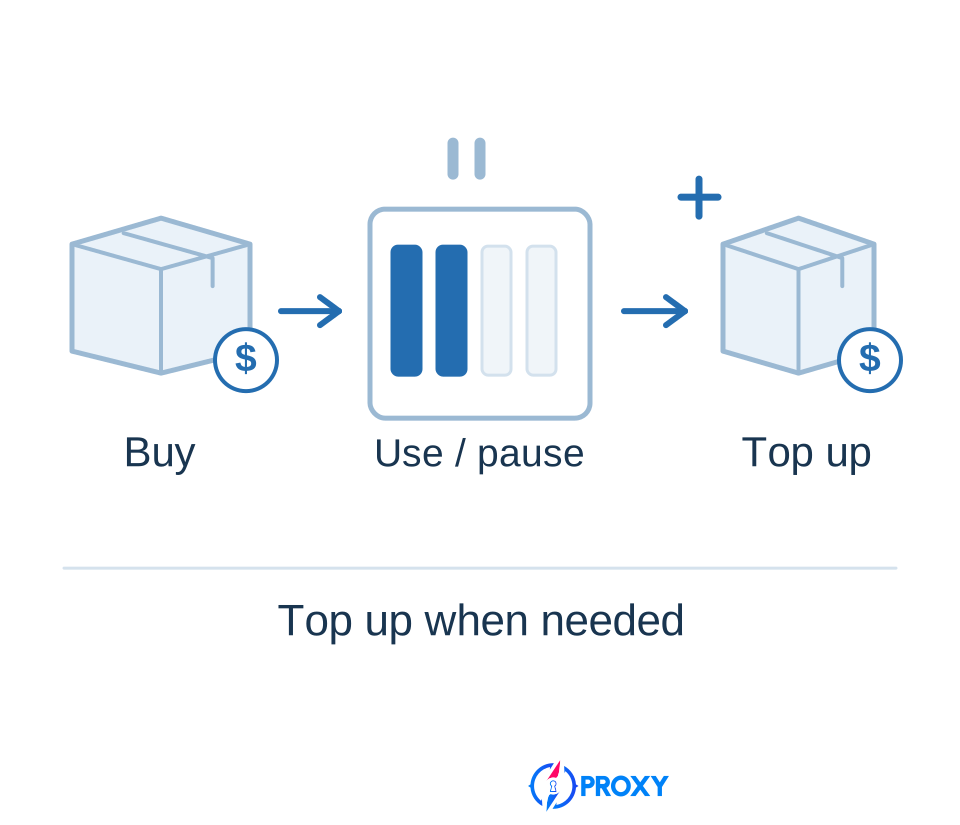
Pay-as-you-go, or PAYG, lets you buy traffic, requests, or another billable quantity as needed, without committing to the same package every month. It can suit individual exports, seasonal tasks, and projects with pauses. Prepayment is common: you first buy an allowance or fund a balance, then use the service.
For occasional work, the minimum purchase and the time available to use the remainder matter. If a small job requires a large package, that package's price is the initial expense. Having no monthly subscription does not, by itself, mean the purchased allowance lasts indefinitely.
Automatic top-ups can keep a job running by purchasing more resource when the remaining allowance falls. This differs from renewal on a calendar: consumption triggers the next purchase, rather than the start of a month. When choosing PAYG, establish whether purchases require your instruction each time or whether the service is authorized to make them automatically.
How to compare the cost of your work
Use the same result for the comparison. Suppose a program needs to retrieve a complete set of technical documents from a supplier's website every day. Both options must save the required files, meet the schedule, and work through suitable addresses. You can then compare payment by IP, traffic, or requests. If one option retrieves only some of the documents, its lower spend does not yet demonstrate a saving on the whole job.
Run a representative part of the workload and record three measurements: how many documents were obtained, how much traffic or how many requests were deducted, and how long processing took. For a fixed package, also establish how many addresses are actually required. The test should include your program's normal actions, including retries, because those will consume resources during later work too.
Next, apply the measured consumption to your planned volume and schedule. Account separately for large files or pages if they differ substantially from the rest. An average measured on a small document does not describe downloading the entire archive, and a routine working day may look different from a day of bulk updates.
Use that requirement to select actual packages. For per-IP billing, calculate the rental of the required addresses for the full term. For traffic or requests, find the purchase quantity that covers the work, accounting for validity and top-ups. If the mandatory purchase is larger than expected consumption, its full price still belongs in the budget. The remainder may be useful later, but having it does not reduce the payment already made.
A useful final comparison is proxy spending per completed task. For document collection, divide the spending over your chosen period by the number of documents successfully obtained in the required form. For monitoring, use the cost of a completed check with the required frequency and data coverage. Apply the same definition of a result to every option being compared.