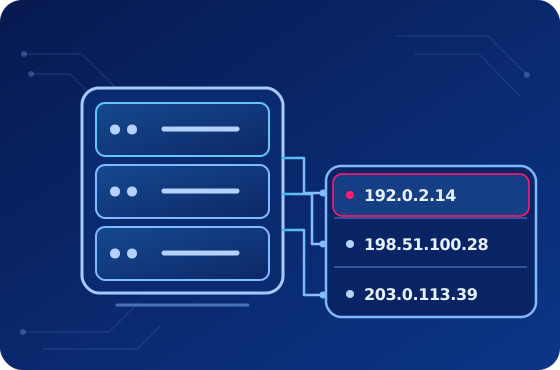
Fixed addresses
Static Datacenter
Fast, stable IPv4 addresses for repeat work. Pick your countries and keep the same IPs until you decide to replace them.
IP lists · priced per IP · unlimited traffic
Explore Datacenter proxies →IPv4 proxies for your workflow
Keep a steady IP, use an ISP-assigned address, or work through a rotating pool. Choose the connection your project actually needs.
Build your static order by country and IP count, or choose rotating access by requests. Get the protocols and controls you need in one client area.
The best choice depends on whether you need to keep an address, use an ISP network IP, or change exit IPs as you work.
Fast, stable IPv4 addresses for repeat work. Pick your countries and keep the same IPs until you decide to replace them.
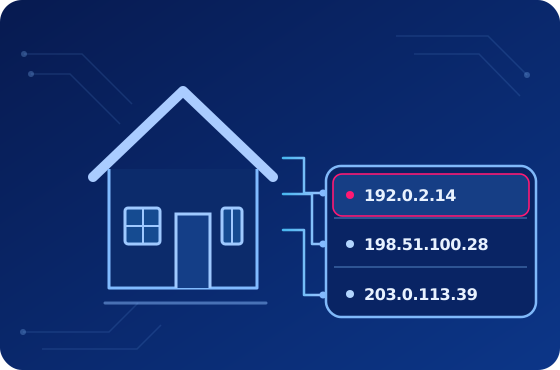
Trusted ISP-assigned IPs with the speed and stability of hosted infrastructure. Keep the same address for repeat connections.
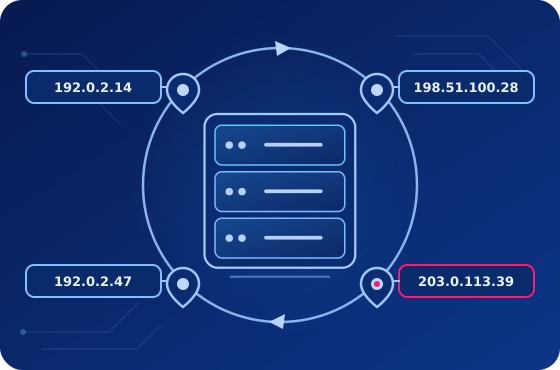
Connect through one gateway and draw outgoing IPs from a large pool. Use sticky sessions when a task needs the same exit for a while.
Static orders start at 100 IPs. Add the available countries you need, set a quantity for each, and see how volume and billing period affect the total. Rotating access is chosen by monthly requests.
Explore prices and options ↗Prices, discounts and availability are shown in the builder.
Build a Datacenter or ISP order, or choose rotating access.
Allocate static IPs across available countries, or select a request allowance.
Check the billing term and any optional extras before continuing.
Will those IPs work with your software and target sites? Choose your Datacenter or ISP countries and quantities, then run a paid two-day test of that exact setup for a fraction of its monthly price.
How the 2-day test works →If it fits, renew with the same IPs and configuration. The test is for static proxies.
Explore country pages before you order. Static Datacenter and ISP availability can differ by location; the builder shows what is available for your chosen type.
See all proxy locations →Connect with familiar protocols and manage the parts of the service you need from your client area.
SOCKS5, HTTP and HTTPS connections, credentials, API access and examples for common applications.
With static proxies, keep the assigned IPs you like and replace individual addresses when a task calls for it.
Check usage statistics in the panel. For static IPs, search your list and export it for your software.
The exact controls depend on the product. Product pages explain the details.
Proxies work as they supposed to. All good
I've been using this proxy service since 2022, utilizing both static and rotating proxies. The cost is average compared to other providers. Occasionally, there are minor issues, but they are quickly resolved. The support team is available at night, on holidays, and weekends, which is their strong suit. I recommend them.

One of the best proxy services
My experience with ProxyCompass’s services has been remarkable, surpassing all my expectations. The speed at which their proxies operate is noteworthy, enabling smooth and efficient online navigation. The extensive selection of proxy options available, suitable for a diverse range of requirements, particularly stands out. Moreover, their pricing is highly competitive, offering excellent value for the high quality provided. The customer support deserves special mention too – consistently responsive and immensely helpful. For anyone in need of superior proxy services, ProxyCompass is definitely the top choice.
Compare the service types here, then see the product pages for the technical details.
Browse all questions →Choose static when you want to keep assigned IPs and pick their countries. Choose rotating when your workflow calls for outgoing IPs from a larger pool, with access priced by requests.
Yes. Choose IP quantities from the available countries in one Datacenter order or one ISP order. Datacenter and ISP are configured separately.
Yes. Build a static Datacenter or ISP order and choose the paid two-day test. You test that setup, then keep the same IPs and settings if you renew.
SOCKS5, HTTP and HTTPS are available. Product pages list the supported connection methods and any product-specific options.
Yes. Select the address you want to replace; the rest of your static IP list stays in place.
Compare the types and prices, or try the exact static setup you plan to use.