
ISP Proxies
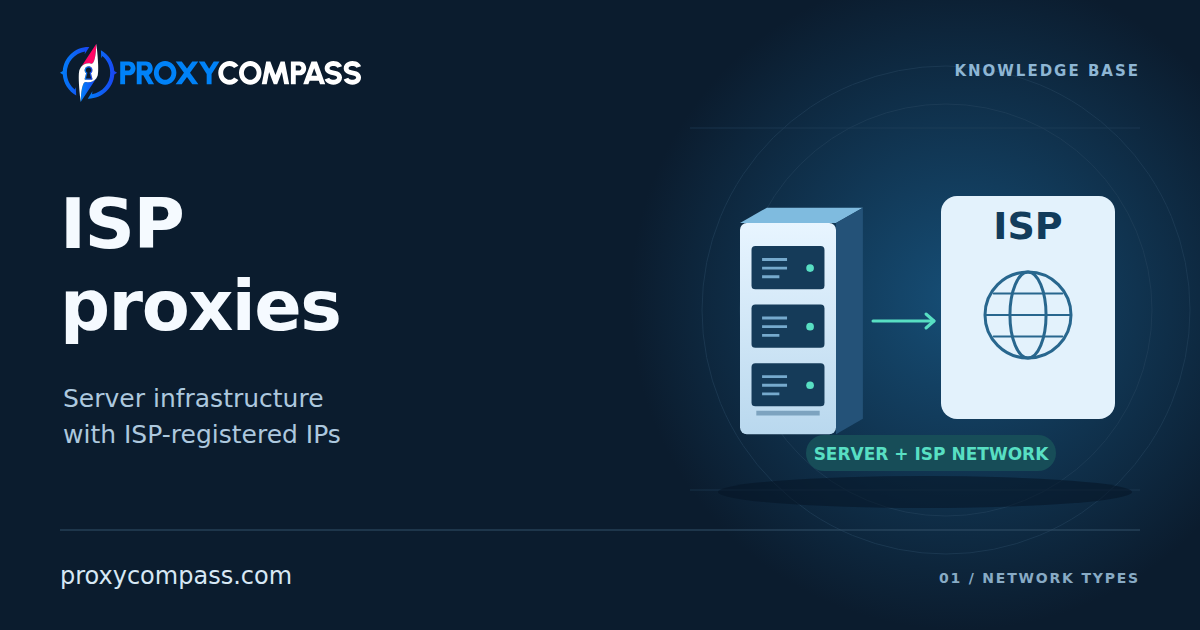
ISP proxies send your requests through servers with IP addresses from internet service providers. The servers usually run in a datacenter. The addresses belong to networks that provide internet access to homes and businesses.
ISP is one of the main proxy network types. It is worth considering when a website restricts hosting IPs, but your task needs a proxy that runs on server equipment. You get an ISP address without depending on another person’s home computer or router.
How an ISP proxy works
ISP stands for internet service provider. The proxy service arranges to use addresses from an ISP’s network on its servers. The equipment and the IP network are separate: a server in a datacenter can use either a hosting address or an ISP address. The address need not have been taken from an individual household; the proxy service can arrange commercial use of an ISP range directly.
Your browser or program connects to the proxy, which sends the request to the website using its ISP address. The website sees that address as the source of the connection. The response returns through the proxy to your program. You can connect to the proxy through your own internet provider; you do not need to become a subscriber of the ISP that supplies its addresses.

How ISP differs from datacenter and residential proxies
Compared with datacenter proxies
An ordinary datacenter proxy uses a hosting-network IP. An ISP proxy uses an address from an internet access provider. Both can run on similar servers. A website may treat their addresses differently even though the equipment works in the same way.
For example, a site may restrict hosting-network addresses before your program can complete its task. Moving to another hosting IP may leave that condition unchanged. An ISP address offers a different network origin while letting the program continue to use a server-hosted proxy. That is the practical reason to consider ISP here; the label does not itself promise greater speed or acceptance.
Compared with residential proxies
Residential proxies send requests through home internet connections. ISP proxies use the proxy service’s servers. Their availability does not depend on a household participant leaving a device online. The service still needs reliable equipment and network links of its own.
This distinction matters when work needs an ISP address for hours or repeated visits on different days. You rent access to a server maintained by the proxy service, whose availability does not depend on a household participant. But an ISP service does not supply a real home connection in a chosen neighbourhood. For tests that specifically need such connections, an ISP address on a server does not replace them.
Why ISP proxies are also called static residential proxies
Many services use static residential as another name for static ISP proxies. In that name, residential refers to the IP’s association with an internet access provider. It does not mean that the proxy runs in someone’s home.
Names alone can therefore be misleading. Two offers may both say residential while one uses a server and the other forwards traffic through a household. Read how the service supplies the connection, then separately check how long it can keep the IP.
With a static service, you can return to the same assigned IP after closing your browser or starting work the next day. The address remains available while the provider keeps it assigned to you; replacement and retention on renewal depend on the service’s terms. Renting a fixed list does not give you ownership of the addresses. ISP describes the IP network; static describes how the service handles the address. Providers can also offer rotation through ISP addresses.
Advantages of ISP proxies
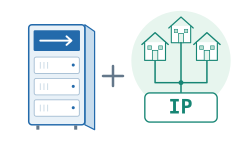
An alternative when a website restricts hosting IPs
A website may restrict an entire hosting range even when your particular request is ordinary. An ISP proxy gives you an address from a different kind of network. It may therefore work on a site where your datacenter proxy is refused or repeatedly challenged.
This is a reason to test ISP addresses on the website you need. If your datacenter proxy already works well, the ISP label alone gives you no reason to expect faster page loading or a better result.
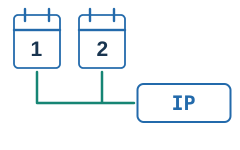
One address across separate work sessions
A static ISP proxy lets you reuse your connection settings instead of finding a new IP for each visit. It is useful for returning to the same workspace or completing a sequence of actions that spans several pages.
The proxy preserves the connection’s IP; your browser or application maintains the login session. Cookies, account access and saved work do not move into the proxy. A fixed address cannot restore a deleted browser profile or an expired login.
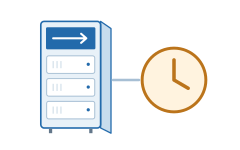
Availability independent of a home participant
A residential connection can disappear when its user turns off a device or disconnects from the internet. An ISP proxy on server equipment does not depend on that participant. This makes it a useful option for scheduled work and long transfers that need an ISP address.
Server hosting does not remove capacity limits. A busy proxy can still respond slowly or refuse additional connections. Check the service’s bandwidth and connection limits against the number of tasks you plan to run.
Limitations of ISP proxies
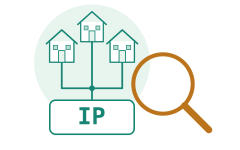
An ISP address can still be detected as a proxy
An IP database can identify both an internet provider’s network and evidence that an address is used as a proxy. These are separate findings. An ISP label is not proof that a site will treat the connection as an ordinary home user.
The site does not need to see a physical computer to classify an address: it can use data about the IP and its observed activity. Different databases may reach different conclusions, so a positive result from one IP checker does not settle how the target site treats it.
Websites can also examine request frequency, browser signals and account activity. Changing the IP network does not remove those signals. ISP proxies do not guarantee access without CAPTCHA or other checks.
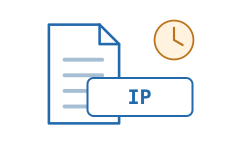
The same IP keeps its history
If a website has restricted your static IP, reconnecting through it gives the website the same address again. Restarting the browser or the proxy connection does not clear that restriction.
With shared access, other customers also send traffic from the IP. Their activity can affect its reputation and any limits applied to the address. A dedicated IP gives you more control over current use, but it can still have a history from before your rental.

Cost and available networks can limit the choice
ISP services often cost more per IP than ordinary datacenter services. They need suitable ISP ranges as well as server resources. Compare offers for the same number of addresses, rental period and traffic allowance to see whether the extra cost helps your task.
A large IP list can contain many addresses from the same range. It does not necessarily give you many countries or independent networks. Check which locations and networks are available before relying on the size of a provider’s pool.
What ISP proxies are used for
The following examples describe different reasons to use ISP proxies. The starting point is the same: a suitable ISP address helps with access, while the job benefits from server hosting. These tasks are not exclusive to ISP proxies; a working datacenter proxy may be sufficient.
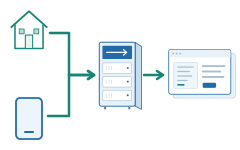
Managing business profiles while changing connections
A social media manager publishes posts and replies to messages from an office, home or a mobile connection. Each change of internet connection can otherwise change the source IP seen by the platform. If the platform also restricts the team’s available hosting IPs, a static ISP address can meet both needs: a usable network origin and an address that can be reused.
If the working browser is configured to use the same static ISP proxy, the platform continues to receive those connections from that proxy’s IP. The manager can change the network used to reach the proxy without changing the address used to reach the platform. The proxy must allow access from the new connection.
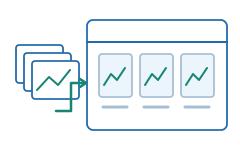
Updating a marketplace seller’s catalog
A seller uploads product photos, edits descriptions and updates inventory. Large catalogs can transfer much more data than a few visits to the seller dashboard, so the price of traffic becomes part of the choice. ISP becomes relevant when the marketplace accepts the tested ISP addresses but refuses the team’s hosting-network proxies; the catalog work itself does not require ISP.
An ISP service with a suitable traffic allowance can support this work without relying on a participant’s home upload capacity. With an unlimited-traffic plan, repeated image uploads do not consume a purchased gigabyte allowance. Bandwidth and simultaneous connections may still be limited; unlimited traffic is a pricing condition, not a property of every ISP proxy.

Checking classified ads for a particular country
A property agency or vehicle dealer checks how its existing ads appear to visitors from a selected country. A suitable ISP address gives the browser an internet-provider connection associated with that country, including where a hosting address is poorly accepted.
The useful check is the result on the advertising site itself. Its country detection may differ from an external IP checker, and location can also depend on account or search settings. An ISP offer in a country does not necessarily include city selection.

Recruitment from a remote workspace
A recruiter uses a browser on a remote workstation to search profiles, maintain vacancies and review a shortlist. If that workstation runs on a hosting network, the job platform receives connections from hosting IPs by default.
Configuring that browser to use an ISP proxy changes the IP network seen by the platform while the workspace stays on the remote server. There is no need to move the browser to a home computer just to use an ISP address. Search and profile-viewing limits attached to the recruiter’s account still apply.

Checking regional video and sustained playback
A video test includes more than opening a catalog: the player must start and continue receiving data. An ISP proxy can be useful for testing a regional service that restricts hosting addresses, provided the player sends its video traffic through the proxy.
Test playback as well as the first page. Available bandwidth, the route to the video server and the proxy’s traffic allowance matter during a long viewing session. The selected IP and the account’s content access also affect the result; successfully opening the catalog does not guarantee that every video will play.
Access options
ISP describes the address’s network. Two other choices determine how you can use it: whether the IP changes and whether other customers share it. Check both in the offer.
How the IP changes
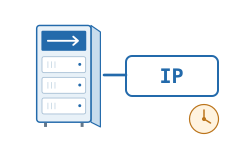
Static
You receive assigned ISP addresses and choose which one to use. Closing a connection does not automatically replace that address. This is the usual choice for returning to the same IP across separate visits.
Check how long the provider retains it and what happens at renewal or replacement. A fixed IP does not mean exclusive use.
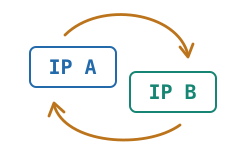
Rotating
The service selects different ISP addresses from a pool. Changes may occur between requests or at another interval specified by the service.
If you need one address for a sequence of actions, check whether the service supports a sticky session and how long it can retain that address. Rotation does not mean that the entire pool is reserved for you.
Who uses the addresses
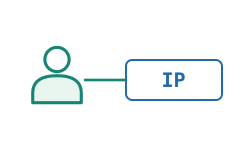
Dedicated
The provider reserves an ISP address for one customer for the agreed period. Other customers of that service do not share the reserved address.
This lets you control the traffic your team sends from it. It does not erase earlier use or guarantee that a website accepts it.
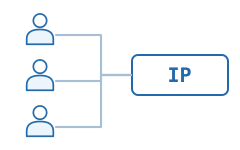
Shared
Several customers use the same ISP address. It can remain static for you while also carrying other customers’ requests.
A site’s IP-based limits may then affect several customers at once. The comparison of dedicated and shared access explains this choice in more detail.