
Residential Proxies
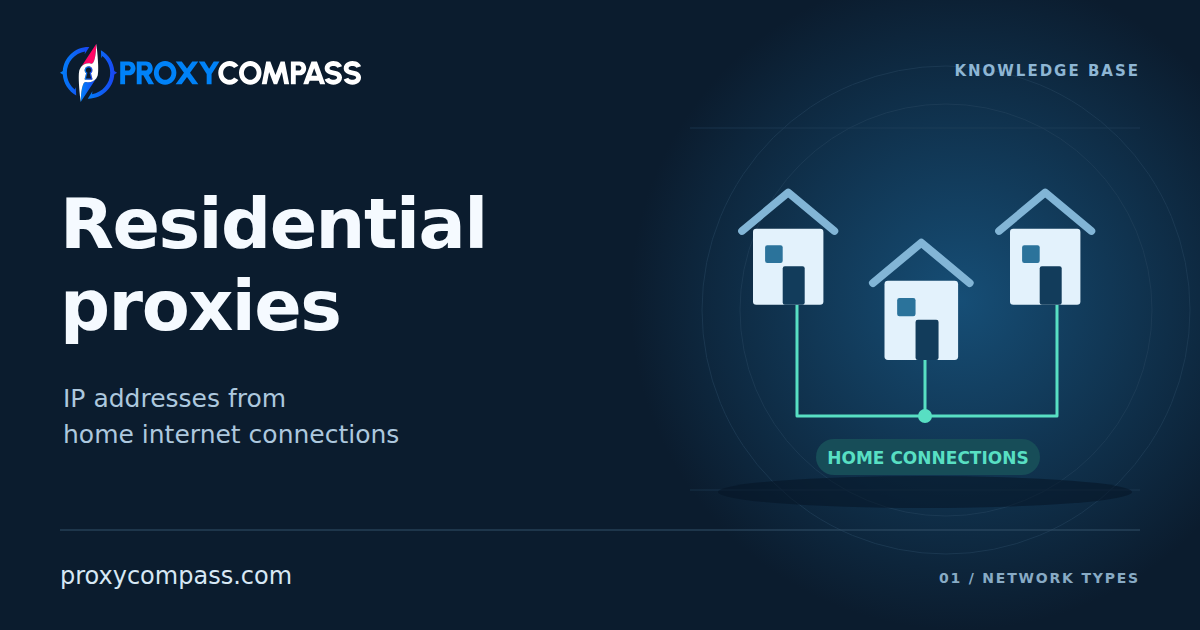
Residential proxies send your application’s traffic through home internet connections. The destination website sees the public IP assigned to the selected household connection. This makes it possible to visit a site from a consumer network in another location without being there yourself.
Residential is one of the main proxy network types. It describes the network used for the exit. Many services provide these exits through a large pool, but a residential proxy can also use an individual home connection. The source of the IP, the number of customers using it, and the timing of IP changes are separate properties.
How residential proxies work
In a pool-based service, you normally connect to a gateway operated by the proxy provider. Its address is the entry point for your application. The gateway chooses a residential exit and sends the connection through it.
- Your application connects to the gateway. Your access details identify the account; location and session settings describe the connection you need.
- The gateway selects an available exit. For example, a country filter limits the choice to suitable household connections in that country.
- Software at the selected exit forwards the traffic through its home internet connection. The destination sees that connection’s public IP, rather than your application’s original IP or the gateway address.
- The response returns through the selected exit and gateway to your application. The browser or parser continues working on your own device.
The gateway and the exit IP are therefore different addresses with different roles. You can keep the same gateway settings while using different household exits for different connections. The private address of a device inside a home network is not the address the website sees.
A phone connected over home Wi-Fi can act as a residential exit. If the outgoing connection uses the cellular operator instead, it is a mobile exit. The device’s shape does not determine the proxy type; the outgoing network does.
Residential also does not name a proxy protocol. An application still needs a protocol supported by the service, such as HTTP or SOCKS5. Selecting a household IP does not change your browser’s cookies, language, or device settings.

Where residential connections come from
Networks of participating devices
A common model brings together devices whose owners share part of their internet connection. A separate application or a software component inside another application, called an SDK, makes the device available as a proxy exit. In an opt-in network, the participant agrees to this use in return for payment or an application benefit.
Before choosing a supplier, check how device owners are told about the shared traffic and how they can stop participation.
The customer buys access to the resulting pool. The proxy provider operates the gateways, selects exits, and keeps track of which connections are available. Households retain their equipment and internet subscriptions. The pool can change as devices connect, disconnect, or receive a different public IP.
An individual home connection
A large participant pool is not required to make a proxy residential. A proxy can run on equipment connected to one home broadband line, for example a computer kept online at a particular location. The connection may be your own or supplied for a customer’s use. This is a single exit rather than access to a worldwide selection.
Its operating time depends on how that equipment and connection are maintained. Keeping the equipment online can support longer use, but the public address still follows the internet provider’s address-assignment rules. A fixed public IP and a long-running device are not the same thing.
This also explains a common naming overlap. Offers called “static residential” often refer to ISP proxies: their IPs belong to internet-provider networks, while the proxy operates on server infrastructure. That differs from forwarding traffic through an actual home broadband connection.
Advantages of residential proxies
Access from consumer networks
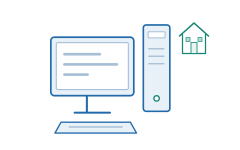
Some websites treat traffic from hosting networks more restrictively than traffic from household internet providers. A residential exit changes the network origin of the connection. This can help with targets that reject datacenter addresses, even when the application itself is configured correctly.
The advantage comes from using a suitable source network. The website can still assess IP reputation, request patterns, and browser signals; a household address does not automatically make every request acceptable.

A choice of locations and internet providers
A distributed pool can provide observations from different countries and, where supported, regions or cities. Some services also let you choose an ISP or ASN, the number identifying a network operator on the internet. This helps when the same website behaves differently across local networks.
Targeting selects an available connection that matches the service’s location or network data. It does not move an address to the selected city. An IP location is not an exact household location, and a website may interpret the address differently. More filters narrow the available choice; not every service supports every combination.
Many exits across different networks
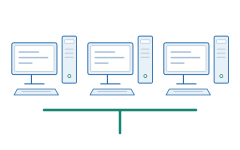
Instead of arranging separate connections in each location, a customer can reach many household exits through one service. This is useful for repeating observations from different networks and distributing independent collection tasks across addresses.
A pool’s advertised size and its currently available exits measure different things. A monthly total can include addresses that were online at different times. The selection in one city or ISP will usually be much smaller than the worldwide pool.
Limitations of residential proxies
Speed depends on the selected connection
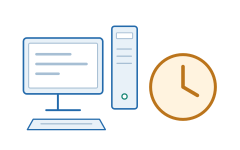
The route includes the proxy service and a household internet line, each with its own capacity and distance to the destination. A fast gateway cannot make a slow or busy home connection faster. Two exits in the same city can give noticeably different response times.
Parallel work also uses the resources of the selected exit. Sending more connections through one household does not create more bandwidth. A large pool helps distribute work, but it does not give each address the capacity of a data-center server.
A particular exit may become unavailable
In a participant network, a device can be switched off, pause its sharing application, or change connections. A managed individual line may stay available longer, but its equipment and internet service also determine continuity.
The provider may have another suitable exit ready, yet that replacement has a different IP. Pool availability therefore does not mean that a specific address will remain available for your whole task. The access options below explain how rotation and sticky sessions handle the selected exit.
A provider may return an error or substitute another IP when the selected connection disappears; check which behaviour your program must handle.
Traffic volume can determine the cost
Access to residential pools is often billed by transferred data, usually in gigabytes. Under that model, a browser loading images, video, and background resources can use much more paid traffic than a request for a small data response. Repeating failed attempts can add to the total under the service’s billing rules.
The billing model is not fixed by the word residential. An individual connection or a dedicated offer can have different charging terms. For a traffic-based plan, the useful cost measure is the data needed to complete the task, not simply the number of IPs encountered.
What residential proxies are used for
Residential proxies are useful when a job needs access through household networks, a choice of locations, or many different exits. The following tasks benefit especially from residential pools. Residential access can also be supplied through longer-lived or dedicated connections; rotation is not a definition of the entire category.
Collecting data from protected marketplaces
Collect product details, seller offers, reviews, and availability from large marketplaces that restrict hosting-network traffic. A research project may need many public pages across categories and regional versions of the site.
A residential pool supplies exits from different household networks and can distribute collection across those exits. This is useful when acceptance and address variety are the limiting factors. The scraper must still handle the site’s sessions, browser checks, and request limits.
Finding counterfeit stores and copied brands
Inspect suspicious storefronts and listings for copied logos, unauthorized product photos, and counterfeit offers. Some operators show different content to shoppers and to visitors from recognizable monitoring or hosting networks.
Residential exits let a brand-monitoring team inspect the public pages from consumer networks in the markets it serves. Comparing several exits helps reveal regional storefronts or content that does not appear during a single visit from a corporate network.
Checking ad delivery in different markets
Check whether an advertisement appears on the intended publisher page, reaches the correct landing page, and matches the offer shown to users in a particular market. Repeat the observation from several countries or available local areas.
Residential addresses provide different consumer-network viewpoints for comparing placements and redirects. This is a check of what visitors receive. Ad delivery can also depend on cookies, language, and the device, so those settings belong to the test as well.
Comparing local search results
Track how search results, local businesses, and competing pages differ between the cities or regions a company serves. A single national result is insufficient for a business with branches in several locations.
Residential pools can provide the available country or city exits needed for repeated local observations. The search engine’s own location settings and interpretation of the IP also matter: selecting a city-level proxy does not set exact GPS coordinates or guarantee a particular neighborhood’s results.
Comparing regional flight and hotel offers
Collect flight fares, hotel availability, currencies, and booking conditions shown in different markets. Travel aggregators need to compare the same itinerary or stay under matching dates, occupancy, and other search settings.
Residential exits make it possible to repeat those searches from consumer networks in the available locations. They help observe geographic differences in the displayed offer; they do not guarantee a lower fare or remove pricing changes caused by demand, account status, or timing.
Access options
Residential networks commonly provide access to a shared pool of household IPs. The service selects an available connection that matches the request settings. A shared pool can serve several customers and does not itself promise an exclusive address. The main session choice is between rotating exits and temporarily holding one IP.
How the service assigns an IP to requests
Rotating IPs
The service selects an exit from the pool under its rotation rule, for example for each request or new connection. Separate requests can pass through different household connections.
This mode suits independent requests that do not need the same IP. An address used earlier can be selected again.
Sticky sessions
Requests with the same session identifier use the same exit IP within the service’s session rules and while that connection remains available. This supports a sequence of pages without a scheduled IP change at every step.
If the household connection goes offline, its IP cannot be retained. A sticky session is not a permanent IP rental and does not mean that only you use the address.
Choose the session mode to match the task: rotating IPs suit independent requests, while sticky sessions suit a sequence of actions on the same website.