
Sticky Sessions
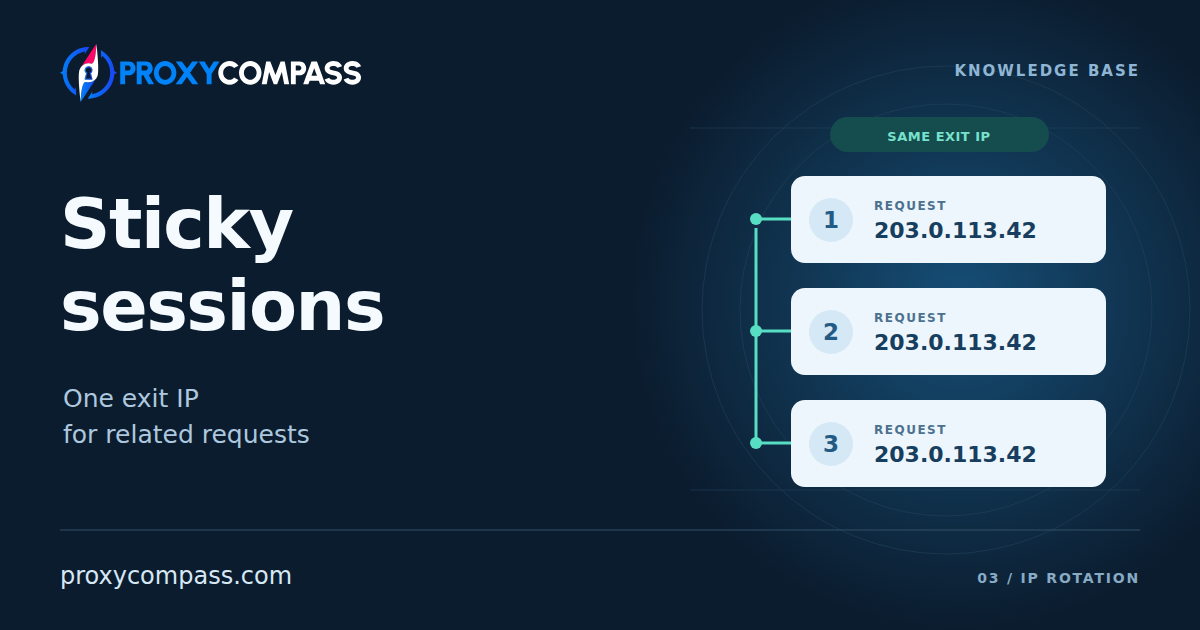
A sticky session tells a proxy service to retain one exit IP for related requests. Your application can open pages, send data and receive a result through that address while the assignment remains valid and the exit remains available. When the task ends, your application can start a separate session for the next task.
This is commonly a mode of access to a rotating pool. The broader comparison is covered in Static vs Rotating Proxies. Here, the question is how to hold an address for one task, how long that assignment lasts and what can interrupt it.
How the service keeps the selected IP
The service needs to recognise which connections belong to the same task. A common method is a session identifier in the proxy settings. On the first connection, the service selects an exit and links it to that identifier. Later connections with the same session settings use the assigned exit while the session remains active.
For example, a browser test uses the session name task1. Its first connection receives the example exit IP 198.51.100.27. Opening the next page and submitting a form through the same active assignment use that address too. The name identifies the assignment; it does not encode the IP or permanently reserve it.
The session identifier may be added to the proxy username, selected through an API or represented by a configured port. Some services also provide a default session without a separate name. These are different ways to manage the assignment, so there is no universal username format or port number for sticky access.
A sticky session can cover multiple network connections. This differs from merely reusing one open connection: requests inside the same ordinary TCP connection already retain its exit IP. To establish whether a session holds the address across connections, the useful observation is what happens when a new connection opens with the same session settings.

When several requests need one IP
A multi-step browser test is a clear example. It might sign in, open a settings page, submit a change and check the result. Keeping the source IP steady removes an avoidable change during the test, particularly if the site uses the address as one of its session checks.
A shopping or booking test can also depend on a consistent regional experience. The application searches, chooses an option and checks the next stage through the same exit. That helps keep the network location consistent between steps, although the site may also use account settings, delivery details or cookies to decide what to display.
Another case is a sequence of API calls where the target service expects related actions from a consistent source address. The assignment should cover the whole sequence, including pauses and retries. By contrast, unrelated public-page lookups do not necessarily need one IP. Holding an address is useful when continuity matters to the task; it does not itself improve the address's reputation or guarantee that the site will accept a request.

A proxy session does not preserve a website login
The proxy service controls the exit address. The website controls its own session: your signed-in state, cart or progress through a form. A browser or HTTP client normally carries that state using cookies or authentication tokens. Both systems may use the word session, but they keep different information.
This means a login can expire while the exit IP stays unchanged. Clearing cookies can also remove the website's recognition of the user without affecting the proxy assignment. The reverse is possible too: a website may accept a valid login after an IP change. Its behaviour depends on its own rules.
A session object in an HTTP library often stores cookies and reuses connections. Creating that object does not automatically activate sticky access at the proxy service. For a complete workflow, the application must keep its website state and its intended proxy assignment together. Separate browser profiles or isolated client state are still needed when different tasks must not share cookies.

What the session duration actually means
Two timers can both be described as a session duration. A fixed lifetime limits how long the assignment exists from its starting point. An inactivity timeout limits the pause after the last qualifying request. New requests can restart the inactivity timer without extending a separate fixed lifetime.
| Limit | What starts the countdown | What another request does |
|---|---|---|
| Fixed lifetime | Creation of the assignment or its first use, as defined by the service | Leaves the original expiry time unchanged |
| Inactivity timeout | The last request or other activity recognised by the service | Restarts the inactivity countdown when the request qualifies as activity |
Take two illustrative sessions with a ten-minute limit. Both start at 14:00 and receive another request at 14:08. With a fixed lifetime, the deadline remains 14:10. With an inactivity timeout, that request moves the idle deadline to 14:18. The same stated duration can therefore produce very different behaviour during an active task.
A service can enforce both limits. In that case, the assignment ends when either limit is reached. The ordinary default can also differ from the longest duration available in the settings. Keeping traffic flowing may avoid inactivity expiry, but it does not remove a separate maximum lifetime.
Expiry ends the assignment to the old exit. A later connection may receive another address even with the same session name. An open connection may be allowed to finish or may be closed, depending on the service. The timer does not transfer an unfinished TCP exchange to a different IP.
Choose a window that includes the whole task, slow responses and expected pauses. Starting a new workflow near the end of an older assignment leaves less time than the configured duration suggests. Requests intended only to keep an idle session active also remain real traffic and can count toward the service's request or traffic allowance.
Keeping parallel tasks separate
When independent tasks each need a stable address, give each task its own session identifier and keep that identifier through its steps. A process loading the next page should reuse the task's session, rather than generating a new name for every request. A retry within that task should not silently switch to unrelated proxy settings.
Suppose two browser tests run at the same time. The first uses task1, the second uses task2, and each keeps its own cookies. Assigning both tests the same session name would ask the service to share an assignment where the other settings also match. Opening a new ordinary tab does not by itself create separate proxy settings or a separate cookie store.
Different identifiers request separate assignments, but do not universally guarantee different exit IPs. Whether the service promises distinct addresses is a separate product property. Sticky access also does not make an exit exclusive to your account: other customers can still use the address if it belongs to a shared pool.
Where supported, several connections can use the same session at once. They share its exit and remain subject to the account’s connection and usage limits. More session names do not increase those limits. Before a full run, check both the number of parallel tasks and the number of connections each task opens.

Why the address can change before you expect
A valid timer cannot keep an unavailable exit working. A residential device may go offline, a mobile connection may receive a different public IP, or a server may become unreachable. The requested duration describes the assignment's time rules; by itself, it does not guarantee that the original exit will remain available.
There are two possible responses to losing that exit. A service can select a replacement so later requests can continue, or it can return an error and preserve the requirement to use the original exit. Some products let you choose. Automatic replacement prioritises making another connection; an error gives the application a chance to stop before continuing from a different address.
An unchanged name does not prove the rest of the session settings stayed the same. Moving to another gateway or changing a country filter can create a different assignment. The relevant scope depends on the service: a session may belong to a particular account, product or entry server rather than being available everywhere under that name.
If the address changes during a task, the next decision concerns the state of that task. A read-only step may be safe to repeat. An action that submitted an order or changed data needs more care: a lost response does not prove the action failed. Establish what completed before restarting or continuing through another exit.

When temporary continuity is enough
Sticky access fits a task with a clear beginning and end when one IP is needed only during that run. Test three things: whether the assignment survives expected pauses, lasts through the whole task and handles a lost exit as required. Include a new connection after a normal pause in the test; activity inside one already open connection does not prove that the assignment will survive the next connection.
If the same address must remain on a server's allowlist or be available again tomorrow, use a service that provides a fixed assignment for that purpose. Reusing a sticky-session name after expiry does not reliably recover its former address. Temporary retention and a lasting assigned IP solve different continuity requirements.